
Toolbars appear a step above the sheet of paper affected by their actions. When sheets scroll underneath toolbars, they are clipped and cannot pass through to the opposite side.
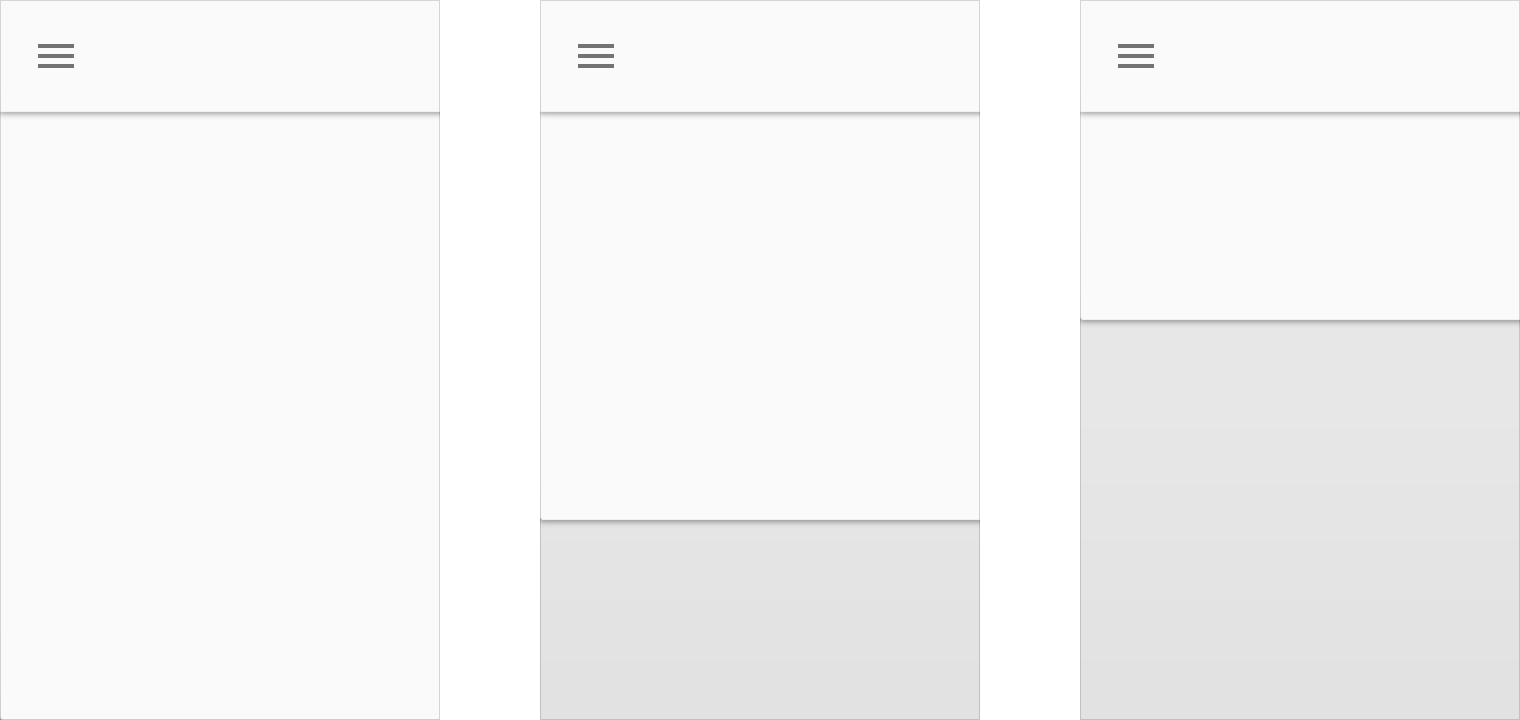
Toolbars are located a step above another sheet.
Sheets can also cover the toolbar as they move offscreen.

The toolbar maintains its seam until it moves off of the screen.
Finally, the second sheet can cover the toolbar as it moves.

The second sheet covers the toolbar as it moves.
A toolbar’s left and right actions are never split by another sheet of material, with the exception of temporary materials such as menus or dialogs.
Instead, toolbars can constrain their width to make space for sheets of paper passing over them. The actions on the left and right cluster to stay on the same side of a toolbar.
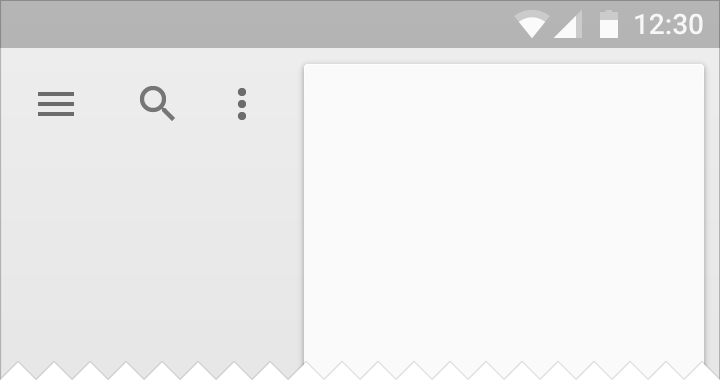
Constrain width to less than the full length of its material.

Never allow a sheet of material to be split by another persistent sheet of material.
Toolbars can share a seam with another sheet.
In cases where they share a seam that transforms into a step, it is called a waterfall.

In the waterfall variant of clipping, the toolbar starts out as seamed and then lifts to form a step.